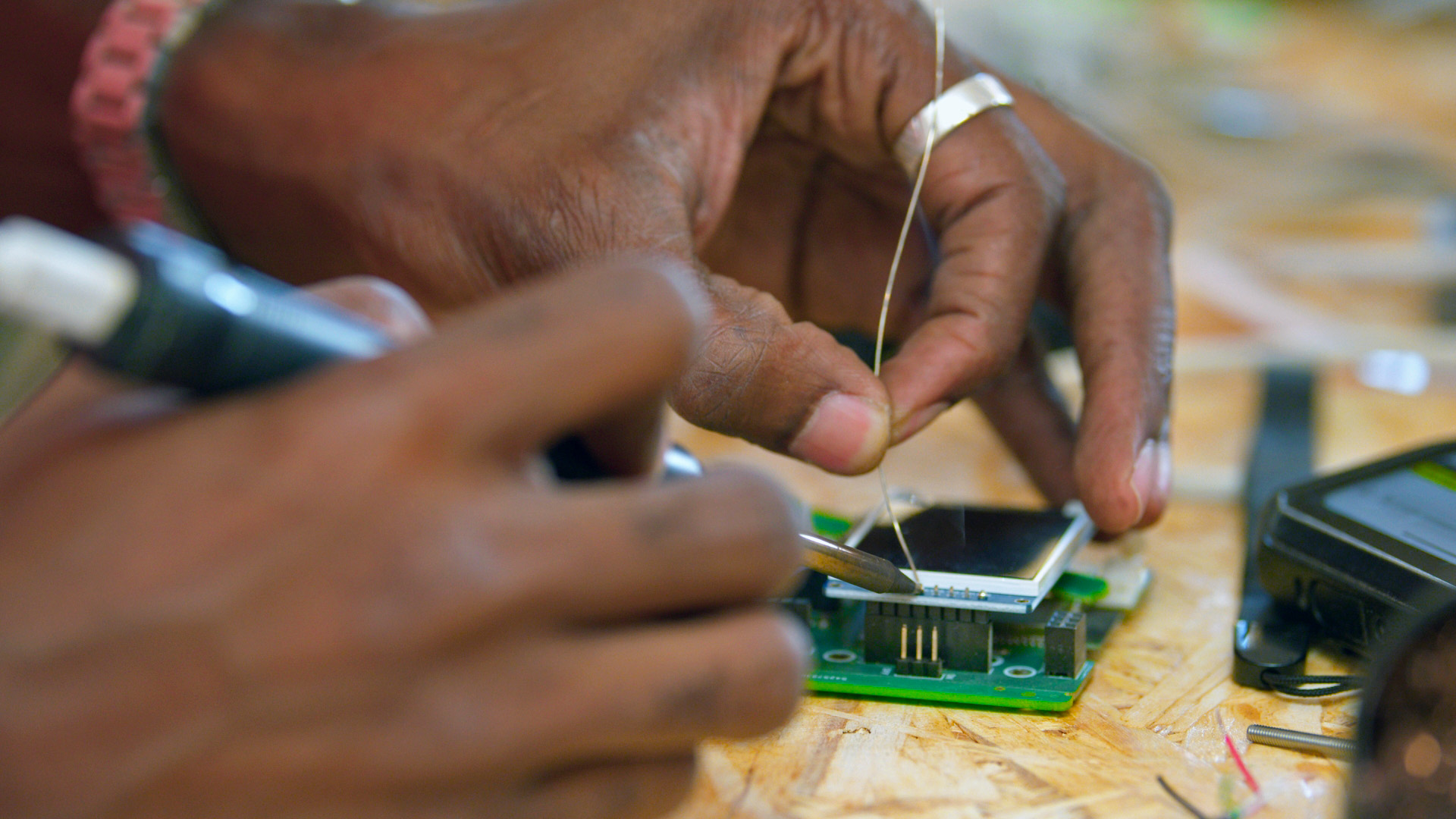
Setup Guide
Welcome to the Local Community Network (LCN) setup guide. A step-by-step reference for assembling and configuring a Raspberry Pi–based local network weather station with the DIY Teleagriculture board. Follow the sections below in order for a smooth setup experience.
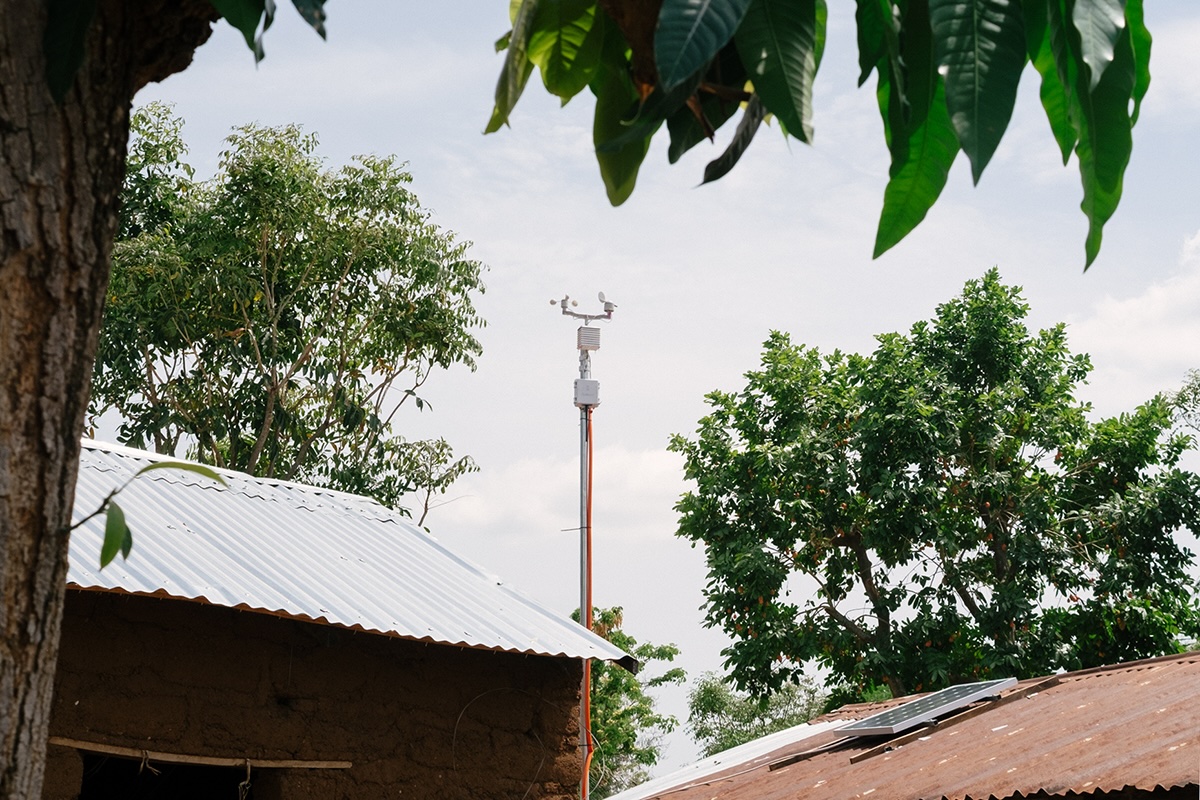
What You’ll Be Building
The Minodu Local Community Network (LCN) is a self-hosted, hardware weather station that runs entirely offline and offgrid and spans a local WI-FI network. It combines a Raspberry Pi with the Teleagriculture DIY sensor board to collect, process, and serve real-time environmental data.
Setup Sections
Material List
This section lists all required hardware components, tools, and optional accessories, including the Raspberry Pi model, sensors, cables, and power supply.
Hardware Assembly
Step-by-step instructions for physically assembling the weather station. Covers mounting the Teleagriculture board, connecting sensors, and wiring the components together safely.
Raspberry Pi Installation
How to flash the OS, configure networking, enable SSH, and prepare your Raspberry Pi to run the Local Community Network (LCN) software stack.
→ Go to Raspberry Pi Installation
Teleagriculture Installation
Software setup for the Teleagriculture DIY weather kit. Covers driver installation, sensor calibration, and verifying that readings are coming through correctly.
→ Go to Teleagriculture Installation
Help
Need help? Open an issue on the Minodu issue tracker or make a post on our Discussion Board.